
Help Center · Team and account
Invite your team
Under Settings → Team you work together with others. Each person has their own account and a role.
The roles
- Super admin: everything, including granting super admin roles. The last super admin cannot give up the role.
- Admin: all rights except granting super admin roles.
- Editor: works on content. Which areas exactly, you decide in the rights matrix.
- Viewer: sees everything, changes nothing by default.
Invite someone
- Open Settings → Team.
- Under Invite member, enter the e-mail address and choose the role.
- Click Invite.
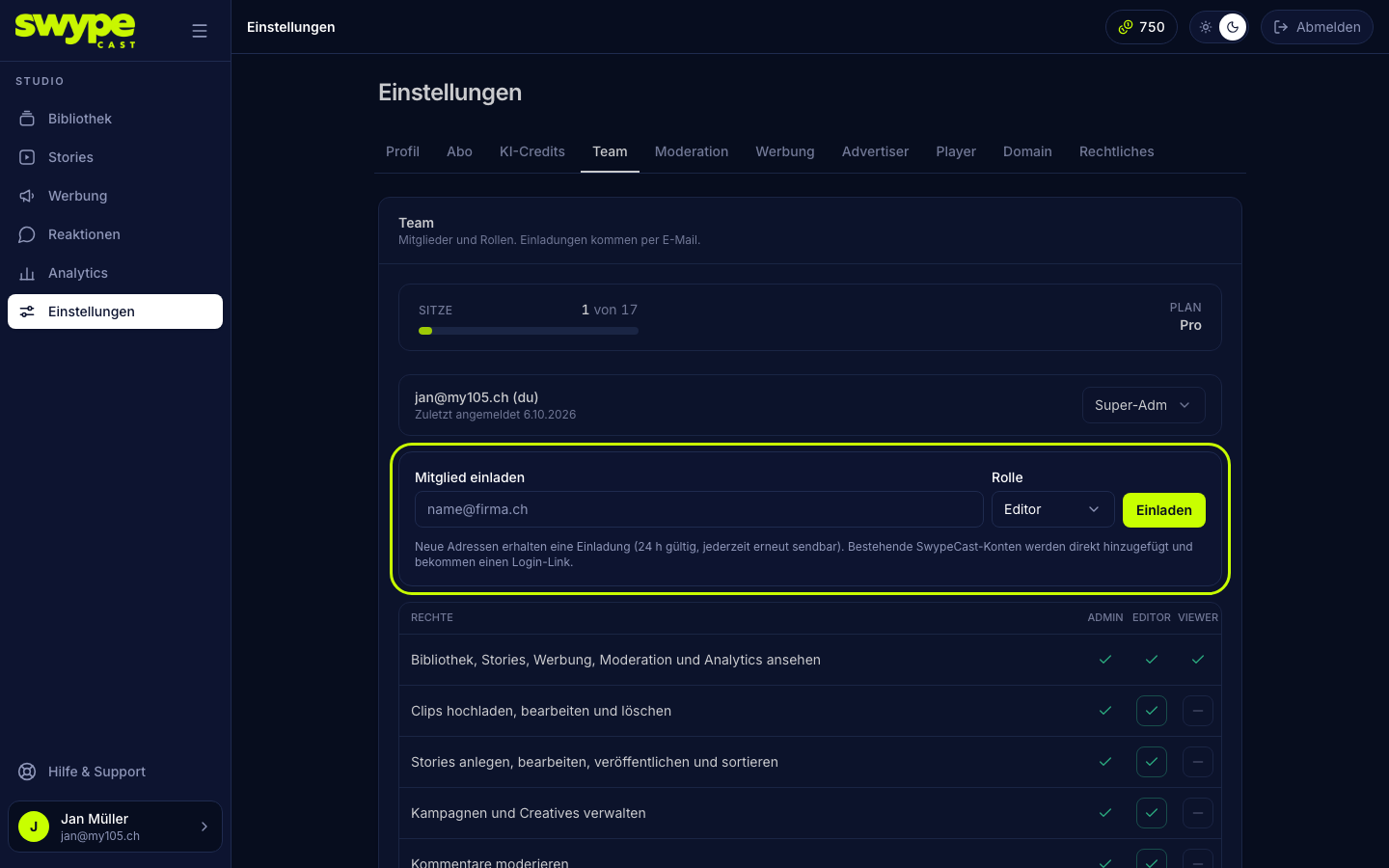
The person gets an e-mail with a link. After clicking it they set a password and land in the studio. The e-mail is in your organisation's language (Settings → Profile). If the person already has a SwypeCast account (for example with another organisation), they become a member right away and get a login link.
Status in the list
- Invited: link sent, not yet accepted. The link is valid for 24 hours.
- Invitation expired: Resend sends a fresh link with a new deadline.
- Active account: below the address you see when the person last signed in. Send login link helps if they forgot their password.
Change role or remove
- You change the role directly in the row's dropdown. Only admins can grant admin; only a super admin can grant or revoke super admin.
- Withdraw deletes an invitation that has not been accepted, Remove takes an active member out of the team. Super admins cannot be removed.
Seats
Every member and every open invitation takes a seat. The bar above the list shows how many your plan allows. When it is full, the studio turns down new invitations. In the Team, Pro and Business plans you book more seats under Subscription and payment.
Was this helpful?