
Create an account
A SwypeCast account gives you your own studio: upload clips, build stories and share them on your website. Setting it up takes a few minutes.
What you need
- An email address you can read (or a Google account).
- Depending on the phase, an invite code. Without one you can join the waitlist and we will send you a code.
- A name for your address: your studio and stories run at
your-name.swypecast.com.
Step by step
- Open swypecast.com/signup.
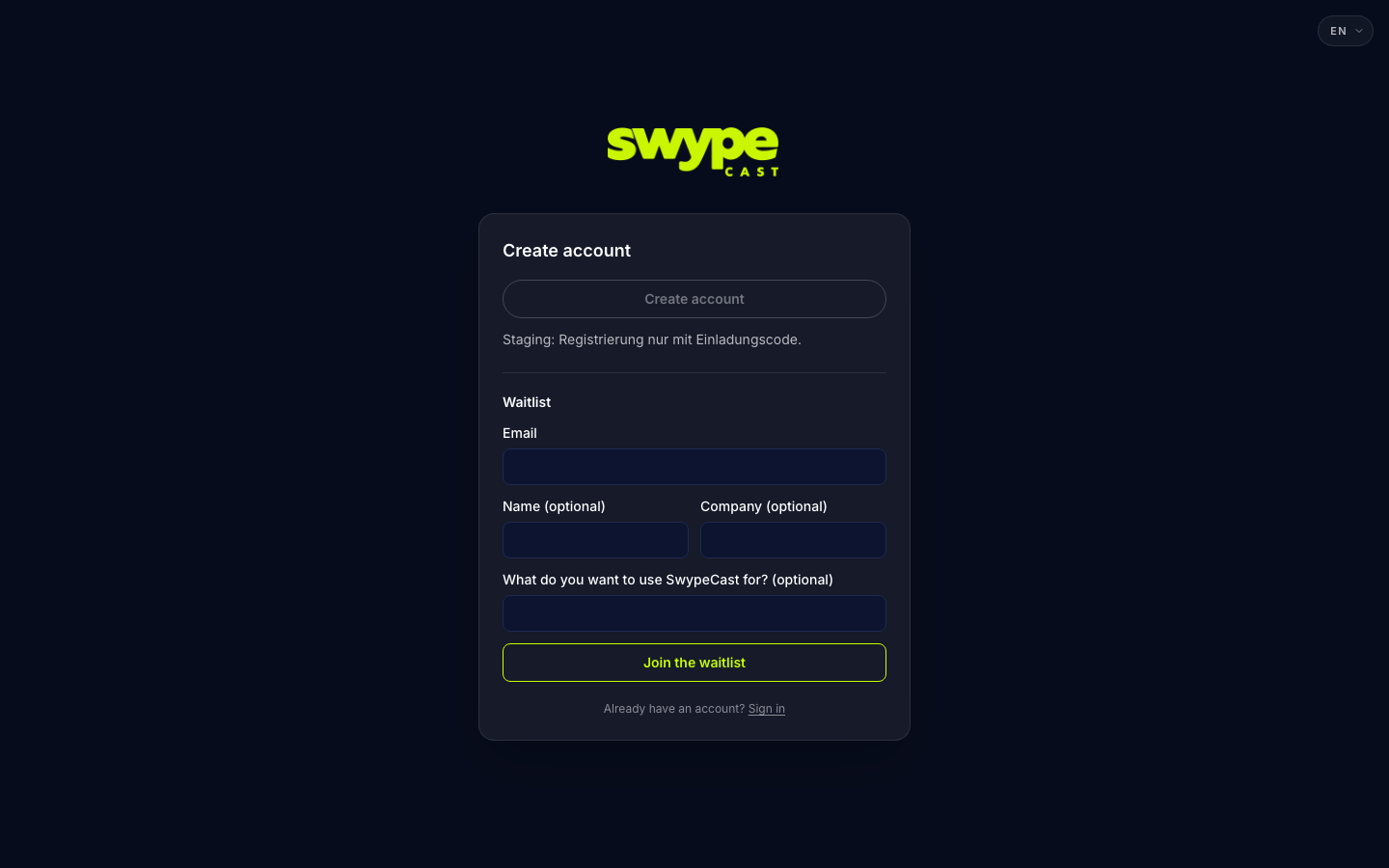
- If an invite code is required, enter it and click Continue. No code? Join the waitlist below the field.
- Choose how you want to sign in from now on: Continue with Google or with email and password.
- Enter the company name (optional, otherwise your name is used), your subdomain, first and last name.
- With email: your address and a password of at least 8 characters.
- Read the Terms and the Privacy Policy and tick both boxes.
- Click Create account (with Google: Create my studio).
After signing up
- Email account: you receive a confirmation link by email. You can sign in once you have clicked it. No email? Check your spam folder.
- Google account: your address is already verified, you go straight to the studio.
- Either way your studio comes with an example story. If you picked the Free plan on the pricing page, you start on Free right away. Otherwise a trial runs; if it ends without you choosing a plan, your organisation continues on Free. Your stories stay online.
- The language you had set on the website becomes your organisation's language (for emails and the player). You change it under Settings → Profile.
Was this helpful?