
Sign in and reset your password
Reach your studio at swypecast.com/login or directly at your address your-name.swypecast.com/admin.
Sign in
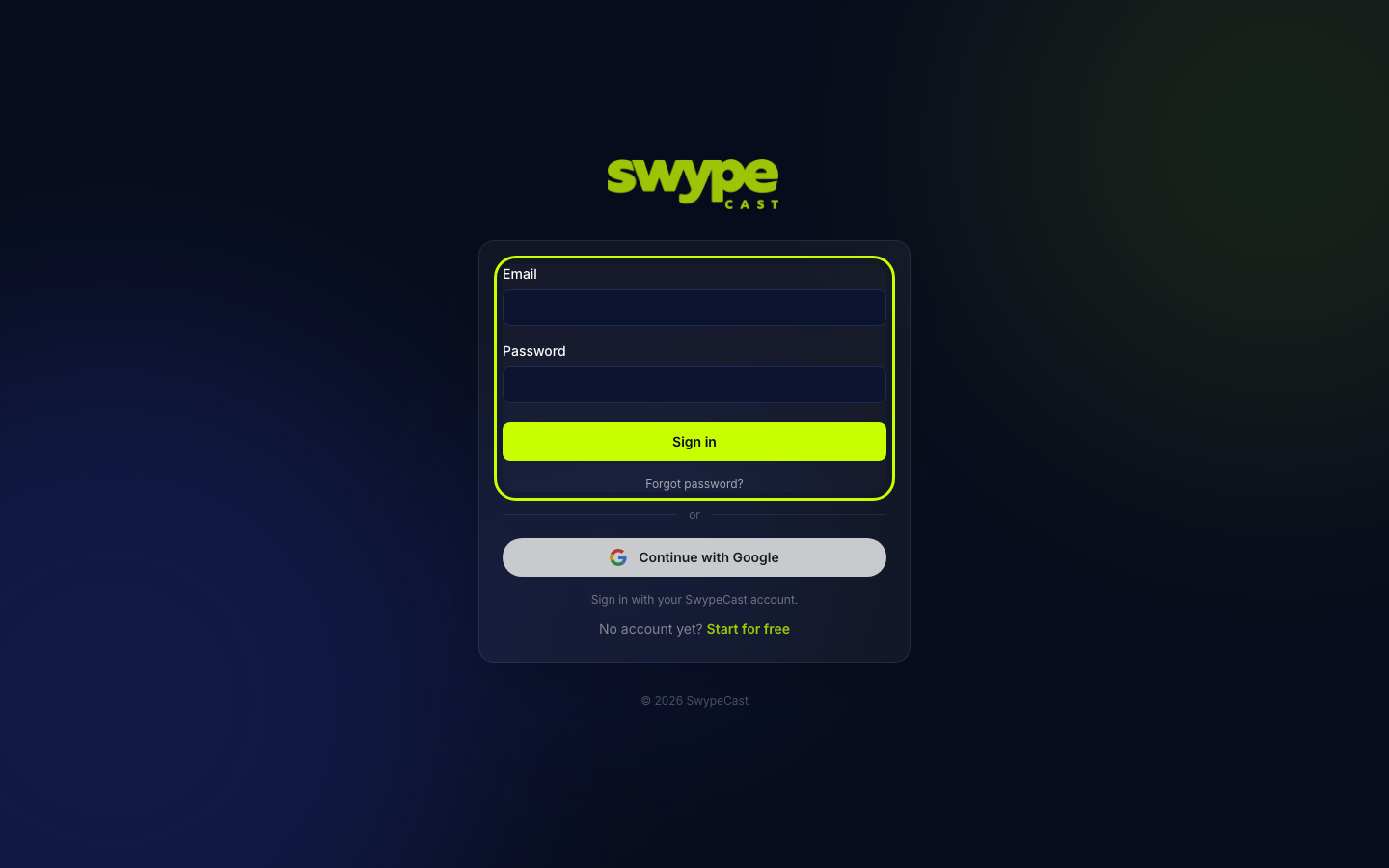
- Open the login page.
- Enter email and password and click Sign in, or choose Continue with Google.
- If you belong to several organisations, SwypeCast asks where you want to go. Pick the organisation you want to open.
Forgot your password
- Click Forgot password? on the login page.
- Enter your email address and click Send link.
- Open the link from the email. It takes you to a page where you set a new password. Enter it twice (at least 8 characters) and save it.
Login link without a password
If an admin invited you to a team, you receive a link by email. After clicking it you set a password. If you already have an account, you can continue straight away with Keep my password and continue to the studio.
Sign out
Sign out sits at the top right of the studio. You find the same button on your account page, which you open via your name at the bottom left of the sidebar. Only this session ends; other devices stay signed in.
Was this helpful?