
Legal and privacy in the player
Legal notice and privacy policy
Your stories are public; in many cases they need a legal notice and a privacy policy.
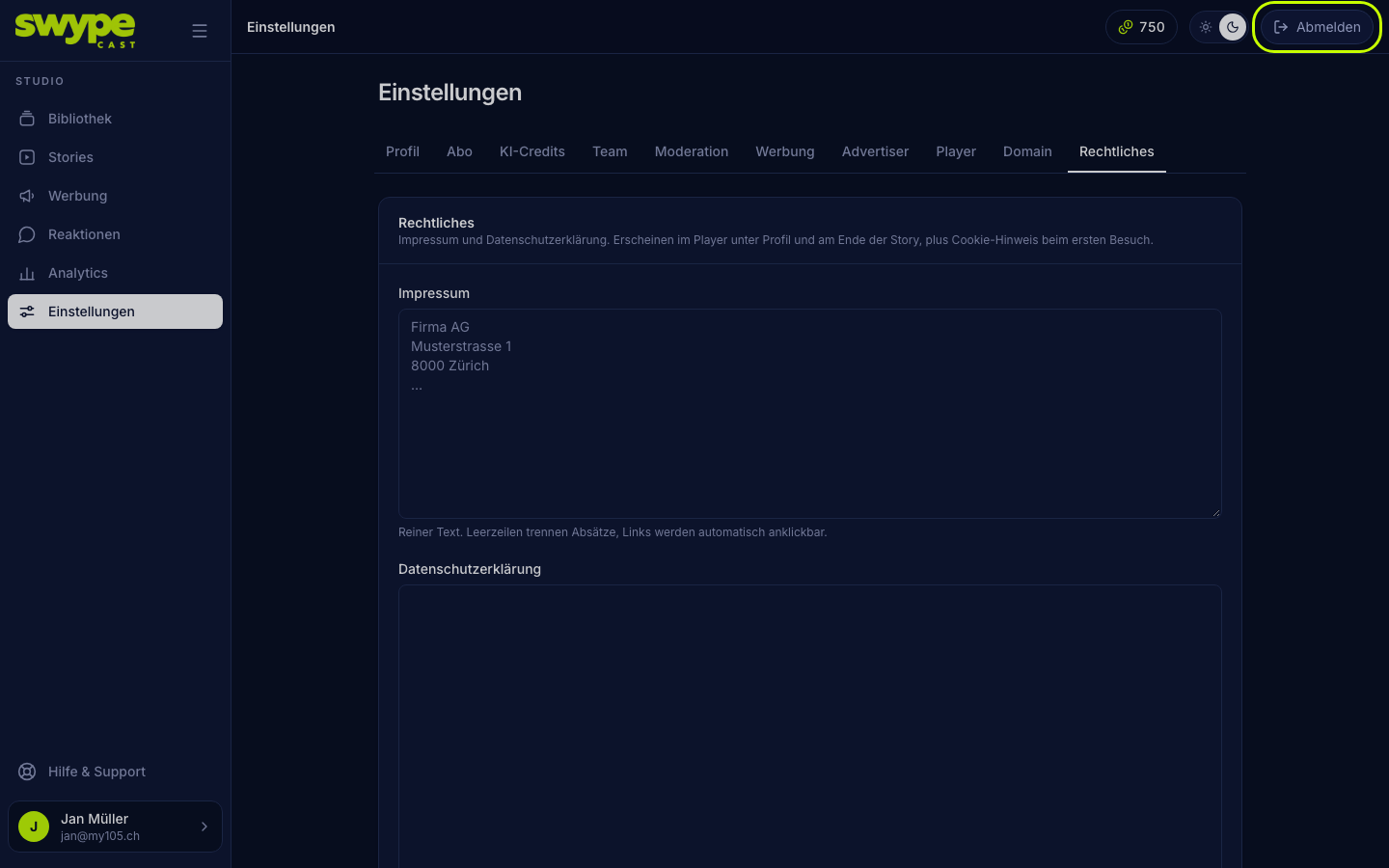
- Open Settings → Legal.
- Paste the texts as plain text into Legal notice and Privacy policy. Blank lines separate paragraphs, links become clickable automatically.
- They appear at
your-name.swypecast.com/story-name/rechtlichesand are linked from the profile popup and the end screen.
Once texts exist, the player shows viewers a short cookie notice once. Without texts no notice appears.
What the player knows about viewers
- Viewers are anonymous. There is no login and there are no viewer accounts.
- The player sets a technically necessary cookie with a random ID (valid for one year) so reactions and votes are not counted twice and comments can be throttled.
- For analytics the device type, operating system, country (from the IP address, which itself is not stored) and the website the viewer came from are recorded; no names, no profiles.
- There are no third-party ad networks or trackers. Ads are exclusively your own campaigns.
- Videos are delivered through a streaming service (Mux), which therefore receives the viewer's IP address.
- SwypeCast delivers Google Fonts through its own servers; the viewer's browser does not connect to Google for them. A font you uploaded yourself also comes from SwypeCast.
- Clips with an Apple preview (iTunes) load sound, cover and, where used, the music video directly from Apple.
Comments
Comments are stored without a name (as "Gast", guest). Viewers cannot delete them themselves. On request you delete them under Reactions → Moderation.
Was this helpful?