
Advertising in SwypeCast
SwypeCast has its own ad space: between your clips run your ads, for sponsors, partners or your own offers. There are no third-party ad networks and no third-party tracking.
The three building blocks
- Advertiser: who advertises, with name, contact person and address. The name appears as the label in the player ("Ad · Muster AG") and in the report.
- Creative: the ad clip itself, a video or audio + image, optionally with a button.
- Campaign: when, how often and in which stories a creative runs, with a goal (impressions or run time).
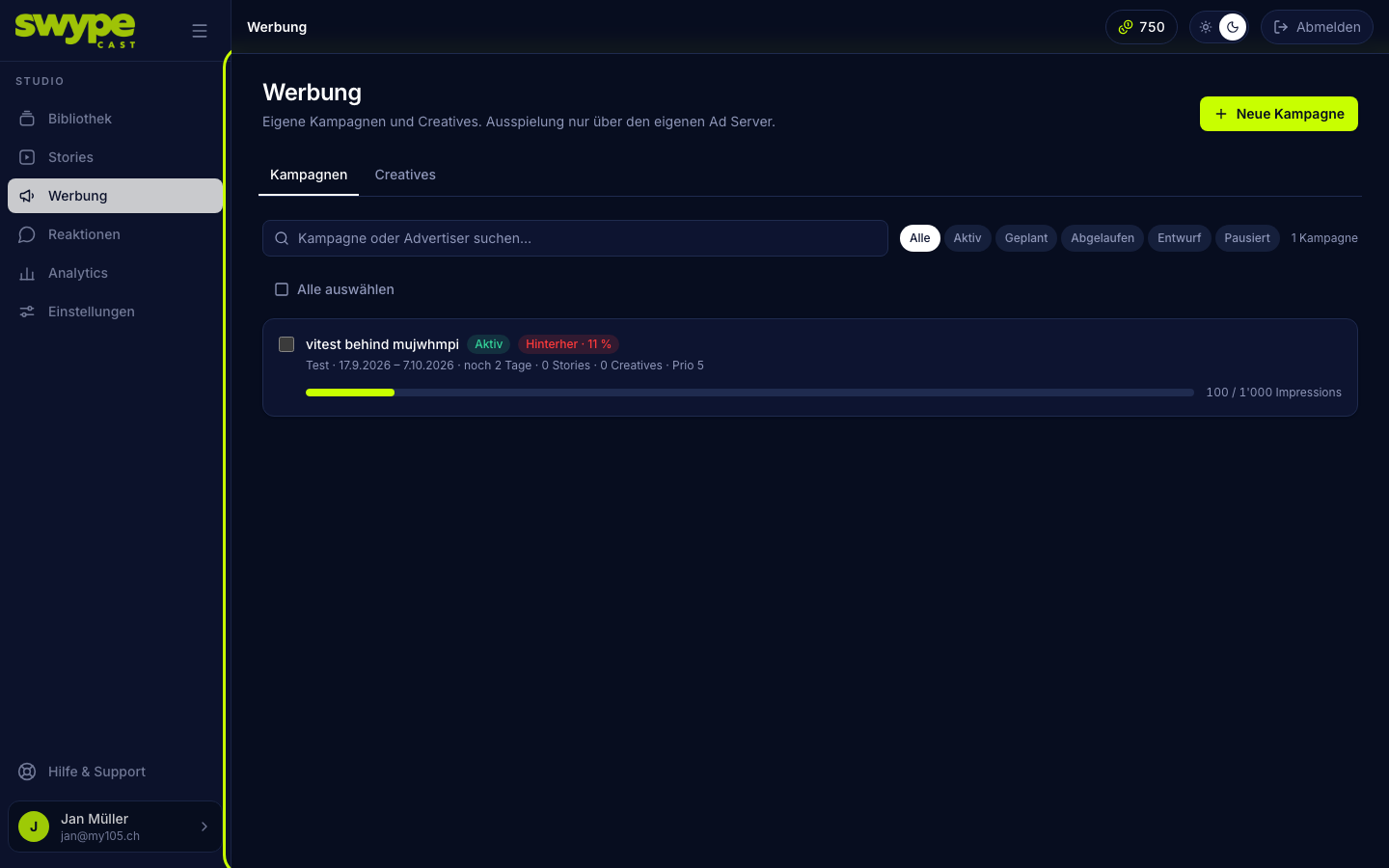
The Advertising menu has two tabs: Campaigns and Creatives. You manage advertisers under Settings → Advertisers.
How an ad is served
- In Settings → Advertising you set after how many clips an ad slot comes (for example every 4 clips). Without a value there is no advertising. Per story you can override it or switch it off.
- When a viewer reaches an ad slot, SwypeCast picks a suitable campaign: it must be active, within its run time, have booked the story and not yet have reached its goal.
- Campaigns with a higher priority come first. At equal priority a weighted draw decides, slowed down or sped up by pacing: a campaign behind its target is preferred.
- The frequency cap limits how often the same campaign is shown to one person per session.
- After two seconds of visible playback the impression counts.
What viewers see
The ad plays like a clip. Under the story title you see the label ("Anzeige" by default) with the advertiser's name. The Skip button appears at once, after a few seconds or never, depending on the setting. The ad's button leads to the landing URL.
Read on
Was this helpful?